The Best Resume Format for Freshers: A Simple, Winning Template
Starting your career? A clean, simple resume format is your secret weapon. We'll show you the exact structure freshers should use to impress recruiters and pass ATS systems.
Why Resume Format Matters for Freshers
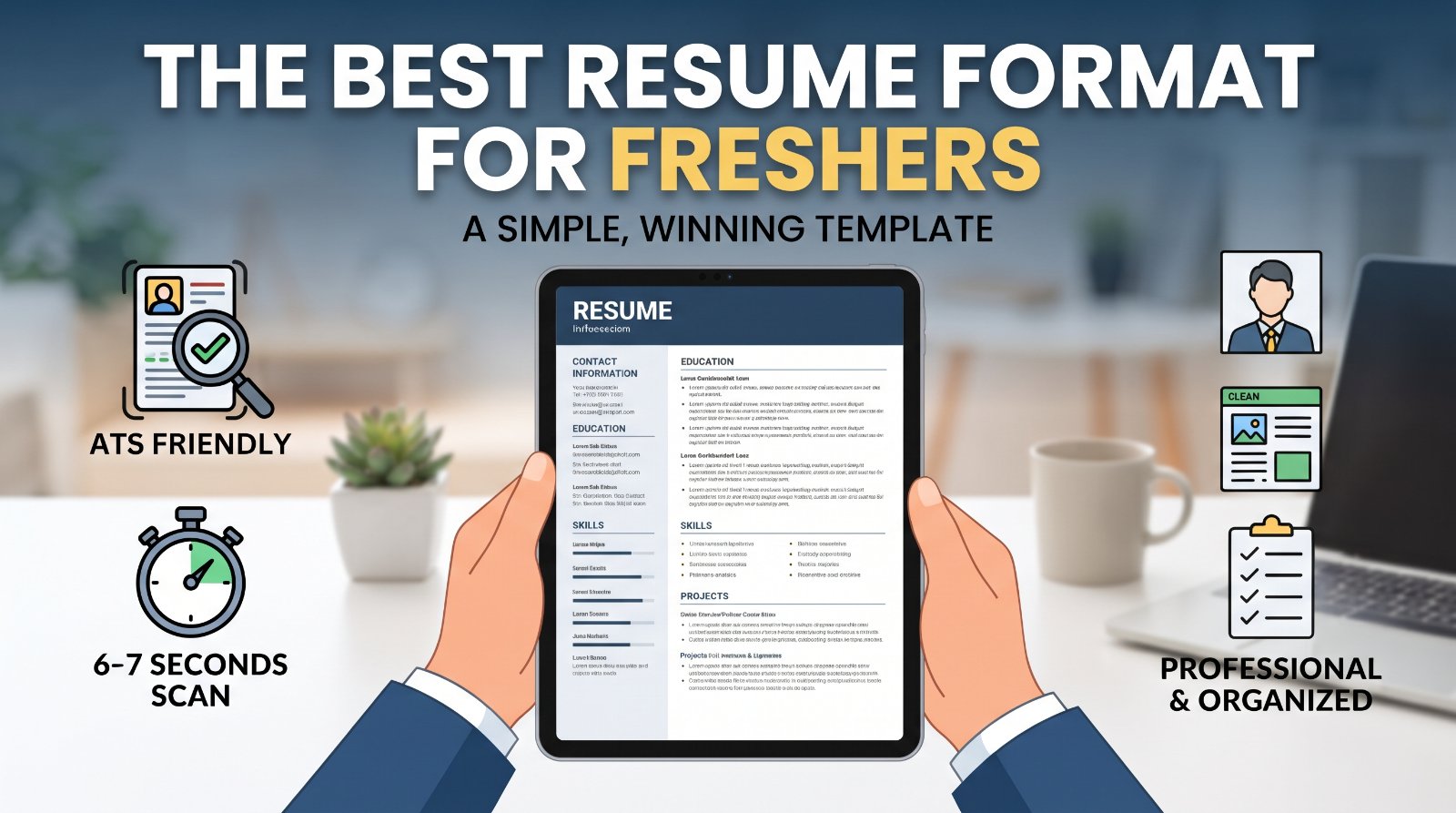
When you're just starting out, recruiters spend 6-7 seconds scanning your resume. A cluttered or confusing format? That's game over. Hiring managers and ATS (Applicant Tracking System) software need to instantly find your contact info, education, skills, and experience—without hunting.
The right format tells employers you're professional, organized, and detail-oriented. It's not about fancy design; it's about clarity and structure that works for both humans and machines.
The Simple Resume Format Structure for Freshers
The best format for freshers follows this order:
- Header: Your name, phone, email, city, LinkedIn URL (optional)
- Summary/Objective: 2-3 lines about your career goal (optional but helpful for freshers)
- Education: Degree, university, graduation date, GPA (if 3.5+), relevant coursework
- Experience: Internships, part-time jobs, freelance work—list with bullet points
- Skills: Technical and soft skills relevant to the role
- Projects/Portfolio: Class projects, GitHub repos, portfolios (if applicable)
- Certifications/Extracurriculars: Relevant courses, awards, volunteer work
Keep it to one page. No exceptions for freshers—recruiters expect conciseness.
Formatting Best Practices: Keep It ATS-Friendly
Font & Size: Use Arial, Calibri, or Times New Roman, 10-12pt. Stick to standard fonts—fancy scripts confuse ATS software.
Margins: 0.5–1 inch on all sides. Don't squeeze text to fit.
Spacing: 1-1.15 line spacing. Use white space generously—it's not wasted real estate, it's readability.
No Graphics or Tables: Skip colored boxes, charts, or fancy columns. ATS can't read them, and they'll render as gibberish.
File Format: Save as PDF or .docx. Never .doc, .pages, or image files. PDF is safest if the system accepts it.
No Headers/Footers: ATS often skips these. Put everything in the main document body.
Bullet Points: Use simple dashes (–) or asterisks (*), not custom symbols. Numbers work too (1., 2., etc.).
Sample Sections: What to Write as a Fresher
Objective/Summary Example:
"Recent Computer Science graduate seeking a Junior Software Developer role to apply object-oriented programming skills and contribute to scalable applications in a collaborative environment."
Experience Bullet Point Example:
"Developed a real-time chatbot using Python and Flask during summer internship; improved response time by 30% through database optimization."
Skills Section Example:
Technical: Python, JavaScript, SQL, Git, React | Soft Skills: Communication, Problem-solving, Team collaboration, Project management
Projects Section Example:
"E-Commerce Platform (GitHub)" – Built a full-stack web app with React, Node.js, and MongoDB; integrated Stripe payment gateway; 8K+ visitors."
Use action verbs (built, developed, created, designed, implemented) and numbers (percentages, timelines, metrics) wherever possible. Show impact, not just tasks.
Common Mistakes Freshers Make (and How to Avoid Them)
- Lying about experience: Don't fabricate roles or skills. Recruiters will catch it, and it's a legal liability.
- Using an unprofessional email: No "party_animal@" or "coolkid88@." Use [email protected] or a professional domain.
- Including a photo: Unless explicitly requested, skip the headshot. In many countries, it creates bias.
- Weak bullet points: "Responsible for data entry" is vague. "Processed 500+ monthly transactions with 99.2% accuracy" is powerful.
- Overloading with personal details: Skip height, marital status, hobbies, or a photo. Stick to professional info.
- Using outdated fonts or templates: Comic Sans, Papyrus, or neon colors scream unprofessional. Use modern, clean templates.
- Ignoring keywords: Don't match a job description's language. Recruiters and ATS search for specific terms; mirror them naturally.
Final Checklist Before Submitting
Content: ☐ Typos checked twice ☐ Contact info correct ☐ All dates consistent ☐ Action verbs used ☐ Numbers/metrics included ☐ Tailored to job description
Format: ☐ One page only ☐ Consistent font and size ☐ Proper spacing and margins ☐ No colored boxes or images ☐ Saved as PDF or .docx ☐ File name professional ("FirstName_LastName_Resume.pdf")
Before hitting send, proofread once more. Ask a mentor or friend to review it. Freshers often overlook typos under pressure—don't be that candidate.
A simple, clean resume format combined with targeted content is your ticket to landing interviews. Focus on clarity, relevance, and honesty. That's the formula that works.
Related: More in Guides · Resume writing guide · Templates