Free Resume Builder With No Sign-Up: Build a Job-Ready CV in 10 Minutes
Most resume builders ask you to create an account before you can do anything useful. You pick a template, spend twenty minutes filling in your details, and only then discover that downloading your own resume needs a paid plan or a sign up wall. It is a frustrating way to start a job search, especially when you need to apply for a role today.
ResuFlow works the other way around. You open the builder, choose a template, write your resume, check it, and download the PDF, all as a guest. No account, no email wall, no waiting. This guide shows you how to build a job ready resume in about ten minutes, what makes a resume pass the screening software companies use, and the mistakes that quietly cost people interviews.
What makes a resume ATS-friendly
Most medium and large companies do not let a human read your resume first. An applicant tracking system, usually shortened to ATS, scans it and looks for the skills and keywords from the job description. If your resume cannot be read by the software, it may never reach a person, no matter how good your experience is.
An ATS friendly resume uses a clean single column layout, standard section headings like Experience, Education and Skills, and simple fonts that software can parse. It avoids tables, text boxes, images and fancy graphics, because those often turn into unreadable text for the scanner. It also repeats the right keywords honestly. If the job asks for React and TypeScript and you genuinely use them, those words should appear in your skills and in your job bullet points.
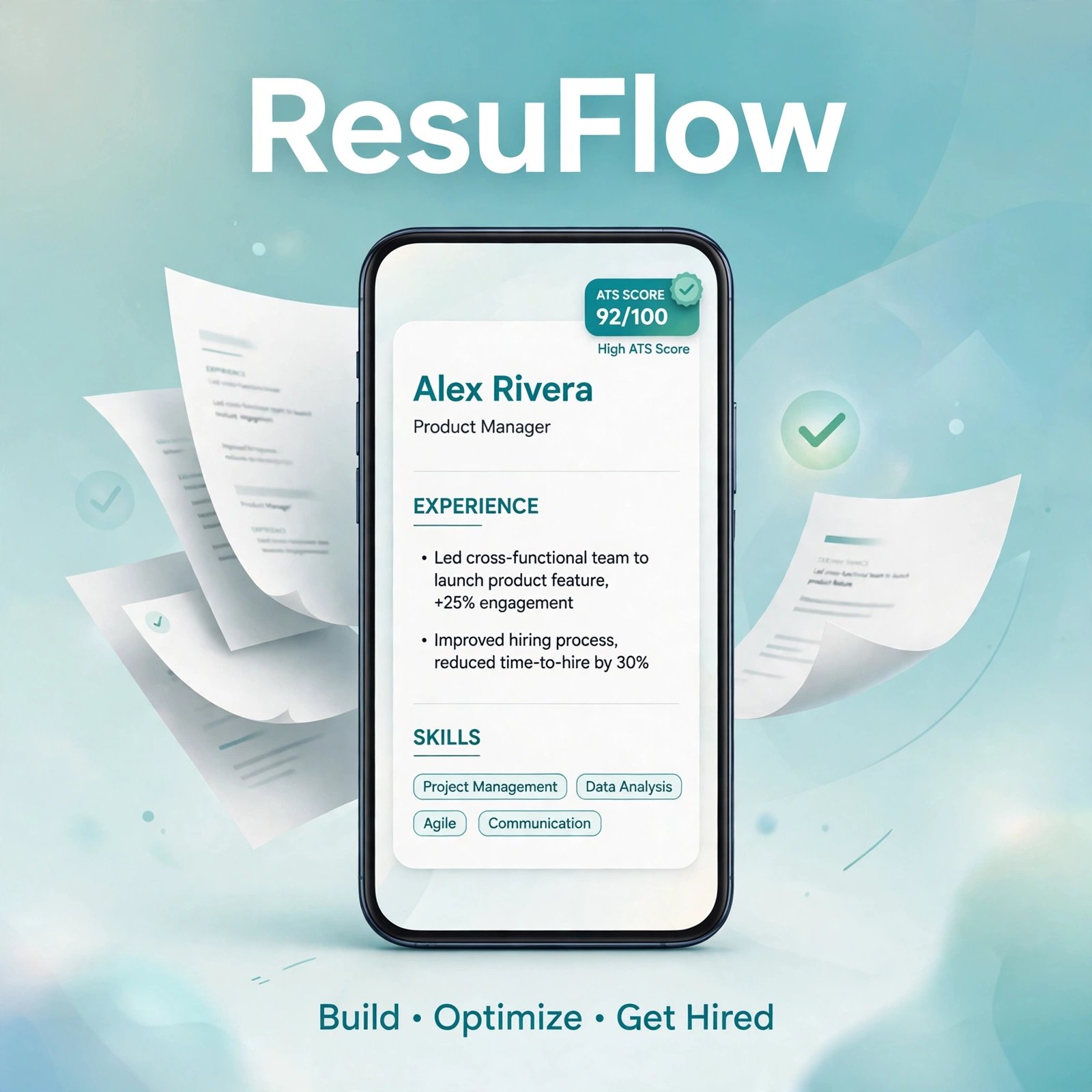
ResuFlow templates are built with this in mind. Every template uses a structure the scanners can read, and the built in ATS checker scores your resume against a job description so you can see what is missing before you send it.
Step-by-step: build your resume in 10 minutes
Step one, pick a template. Choose a clean design that fits your field. Software, finance and most office roles do best with a simple professional layout, while design and marketing roles can carry a little more style. You can change the template later without losing your content.
Step two, add your contact details and a short summary. Write two or three lines that say who you are, how much experience you have, and the strongest result you can prove. Skip the old objective statement style that talks about what you want. Recruiters care about what you bring.
Step three, write your work experience with numbers. Each role gets three to five bullet points, and each bullet should start with a strong verb and include a result where you can. Built a dashboard used by 40 clients is stronger than responsible for dashboards. Numbers make your work believable.
Step four, add your skills and education. List the tools and technologies from the job description that you truly know, then your degree and any certificates that matter for the role. Keep this section honest and current.
Step five, check and download. Run the ATS checker with the job description pasted in, fix anything it flags, read the resume once out loud to catch typos, and download the PDF. The whole flow takes most people around ten minutes, and your draft stays available in your browser if you want to come back to it.
Common resume mistakes
The most common mistake is sending the same resume to every job. A generic resume rarely matches the keywords of any specific role, so it scores low everywhere. Spend five minutes adjusting your summary and skills for each application. It is the highest value five minutes in a job search.
The second mistake is listing duties instead of results. Every applicant was responsible for something. The ones who get interviews show outcomes, like reduced load time, handled more customers, or shipped a feature on schedule.
Third, watch your length. One page is right for students and most people with under ten years of experience. Two pages are fine for senior roles with a long record. More than that usually means older or irrelevant detail needs cutting.
Finally, check the small things. A wrong phone number, an unprofessional email address, or a spelling mistake in a job title can quietly end an application that was otherwise strong.
Resume tips by experience level
If you are a student or fresh graduate, lead with your education, projects and internships. A strong project with real output counts as experience. Describe what you built, which tools you used, and what it did.
If you have two to five years of experience, lead with your work history and push older or unrelated roles down. Quantify your results, name your best tools early, and keep your skills section tight and relevant.
If you are changing careers, use your summary to connect the dots. Name the transferable skills from your old field, show any course or project in the new one, and be direct in your cover note about why you are moving.
If you are a senior candidate, focus on scope and impact. Team size, budgets, systems you owned and business results matter more than a long list of technologies.
Frequently asked questions
Is ResuFlow really free with no sign up?
Yes. You can build your resume as a guest and download your first PDF without creating an account. The builder opens straight away at https://resuflow.app/ and your work is saved in your browser while you write.
Will the templates pass applicant tracking systems?
The templates use clean layouts, standard headings and readable fonts, which is what ATS software needs. The built in checker also scores your resume against a job description so you can fix gaps before applying.
How long does it take to build a resume?
Most people finish in about ten minutes. Choosing a template takes a minute, and the step by step builder walks you through contact details, summary, experience, skills and education in order.
Ready to start? Open the free resume builder at https://resuflow.app/ and build your job ready resume today, no sign up needed.
Related: More in Guides · Resume writing guide · Templates